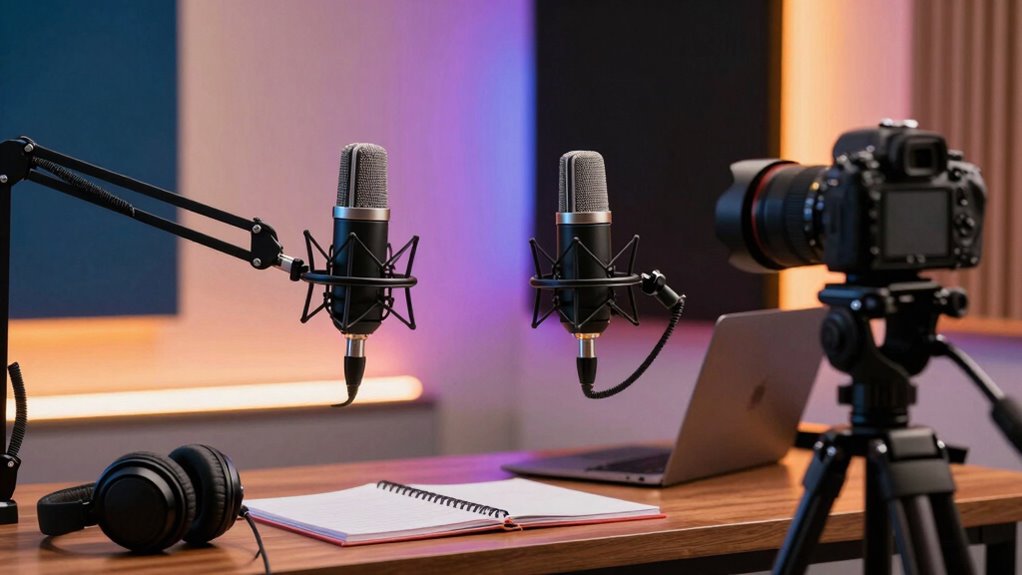

To create a more polished creator space, choose high-quality microphones like condenser or dynamic models, positioned close to your mouth for clear sound. Pair them with soundproofing materials to reduce noise and echoes. Use a high-definition camera, preferably 1080p or higher, placed at eye level for engaging visuals. Good lighting, such as ring lights or softboxes, enhances your appearance. Keep these tips in mind, and you’ll see how your setup can dramatically improve—there’s more to discover for an even sharper look.
Key Takeaways
- Use high-quality condenser or dynamic microphones paired with proper placement to ensure clear, professional audio.
- Invest in a 1080p or higher HD camera positioned at eye level for sharp, engaging visuals.
- Implement soundproofing and acoustic materials to minimize background noise and echoes.
- Utilize soft, diffuse lighting like ring lights or softboxes to create even, flattering illumination.
- Properly position and adjust all equipment to create a cohesive, professional creator environment.
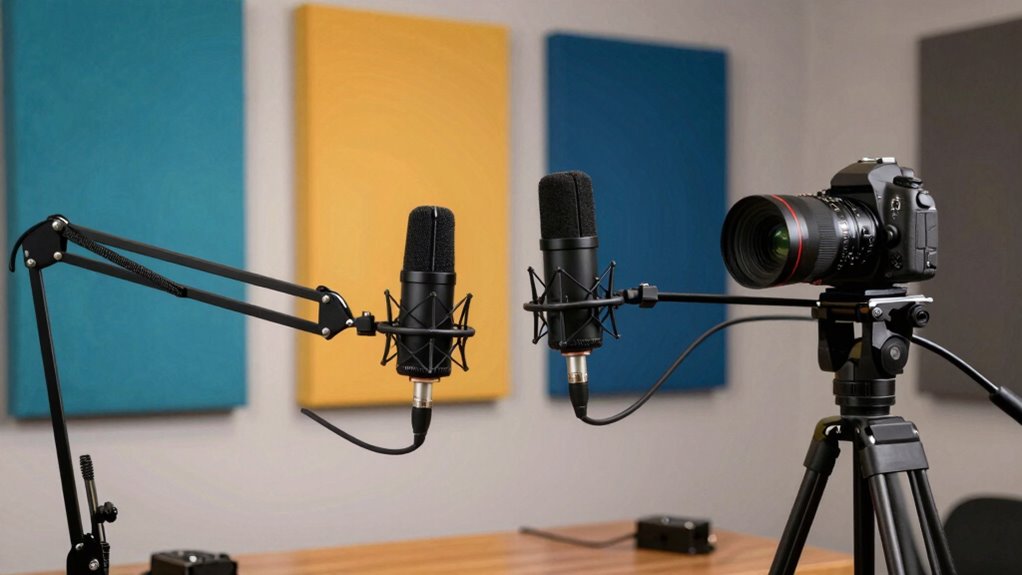
Creating high-quality content starts with the right equipment, and upgrading your microphones and cameras can substantially elevate your creator space. When you focus on improving your audio quality, your viewers will stay engaged longer and trust your content more. A good microphone captures your voice clearly, reducing background noise and guaranteeing your message comes through crisp and professional. Whether you’re recording voiceovers, streaming live, or doing interviews, investing in a quality microphone makes a noticeable difference. Look for options like condenser mics for studio-quality sound or dynamic mics if you need to cut down on ambient noise. Position your microphone properly—closer to your mouth and away from noisy electronics—to maximize clarity. Pairing it with a sound-treated environment can further enhance audio quality, making your voice stand out without distractions. Additionally, embracing innovative materials such as advanced acoustic foams or soundproofing panels can significantly improve your recording environment and reduce unwanted echoes. Proper placement of these materials can transform your space into a professional sound environment, ensuring cleaner audio recordings. Incorporating soundproofing techniques can also help in minimizing external noise interference, creating a more controlled recording setting. Introducing sound absorption methods can further optimize your space by reducing echo and reverberation. Similarly, your camera plays a crucial role in crafting a polished creator space. A high-definition camera with good autofocus can deliver sharp, vibrant visuals that captivate your audience. You don’t need the most expensive gear, but choosing a camera with at least 1080p resolution will noticeably improve your video quality. Consider your lighting setup as well—good lighting can transform your footage from mediocre to professional. A well-planned lighting setup involves using soft, diffuse light sources placed at strategic angles to eliminate harsh shadows and evenly illuminate your face. Natural light works well during the day, but investing in ring lights or softboxes ensures consistent quality regardless of the time. Proper lighting makes your skin tone look natural and highlights your expressions, which helps keep viewers engaged. Combining a good microphone with an effective lighting setup creates a visually and audibly appealing environment that enhances your overall content. When your audio is clear and your visuals are well-lit, your viewers can focus on what you’re saying without distraction. This cohesive approach boosts your credibility and makes your videos look more professional. Remember that your camera and microphone are just tools—how you use them matters most. Position your camera at eye level to foster a connection with your audience, and speak directly into your microphone with confidence. Regularly check and adjust your lighting to prevent overexposure or shadows. Incorporating proper setup techniques can further optimize your recording environment for the best results. With these improvements, your creator space becomes a more inviting, credible platform for your ideas, leading to better engagement and growth over time.
As an affiliate, we earn on qualifying purchases.
Frequently Asked Questions
How Do I Choose the Right Microphone for My Specific Content?
To choose the right microphone for your content, consider your needs and environment. If you prioritize clear audio quality, opt for condenser microphones for studio settings or dynamic mics for noisy environments. Understand different microphone types—like shotgun for outdoor videos or lapel for interviews. Match the microphone’s features to your content style, ensuring you get crisp, professional sound that enhances your viewer’s experience.
What Are the Best Camera Settings for Low-Light Filming?
Ever wondered how to capture clear footage in low-light conditions? You should set your camera to a higher ISO, but don’t overdo it to avoid grainy images. Use wide aperture lenses to let in more light and experiment with lighting techniques like softboxes or reflectors. Adjust your shutter speed for proper exposure, and consider lens selection that excels in low-light situations. These tips help you achieve brighter, sharper videos regardless of lighting.
How Do I Reduce Background Noise During Recording?
To reduce background noise during recording, focus on soundproofing techniques and acoustic treatment. Seal gaps around doors and windows, use weatherstripping, and add heavy curtains or foam panels to absorb echo. Place bass traps in corners to control low-frequency noise. These steps help create a quieter environment, ensuring your microphone captures clearer audio. Consistent acoustic treatment makes a significant difference in achieving professional-sounding recordings.
What Accessories Can Improve My Microphone and Camera Quality?
Imagine upgrading your setup like adding vibrant colors to a blank canvas—you can elevate your quality instantly. Audio accessories like pop filters and shock mounts reduce unwanted noise, while camera lenses sharpen your visuals. These accessories transform your microphone and camera into professional tools, making your content stand out. Investing in quality audio accessories and versatile lenses enhances clarity, giving your videos a polished, engaging feel that keeps your audience engaged.
How Often Should I Upgrade My Recording Equipment?
You should upgrade your recording equipment when you notice consistent issues like poor audio clarity or shaky video quality, or when your current gear no longer supports your evolving creative needs. Regularly assess your studio acoustics and lighting setups, as these can impact your recordings too. If improvements in these areas don’t help, it’s time for an upgrade. Staying current guarantees your content remains professional and engaging for your audience.
condenser microphone for recording
As an affiliate, we earn on qualifying purchases.
As an affiliate, we earn on qualifying purchases.
Conclusion
By upgrading your microphones and cameras, you’re not just enhancing audio and video quality—you’re crafting an immersive experience that draws viewers in. Imagine your content shining with crystal-clear sound and vibrant visuals, like stepping into a professional studio. This isn’t just equipment; it’s the gateway to turning your space into a polished, mesmerizing creator hub. When your tech works seamlessly, your audience feels connected, imagining themselves right there with you, enthralled by your authentic, high-quality content.
As an affiliate, we earn on qualifying purchases.
As an affiliate, we earn on qualifying purchases.